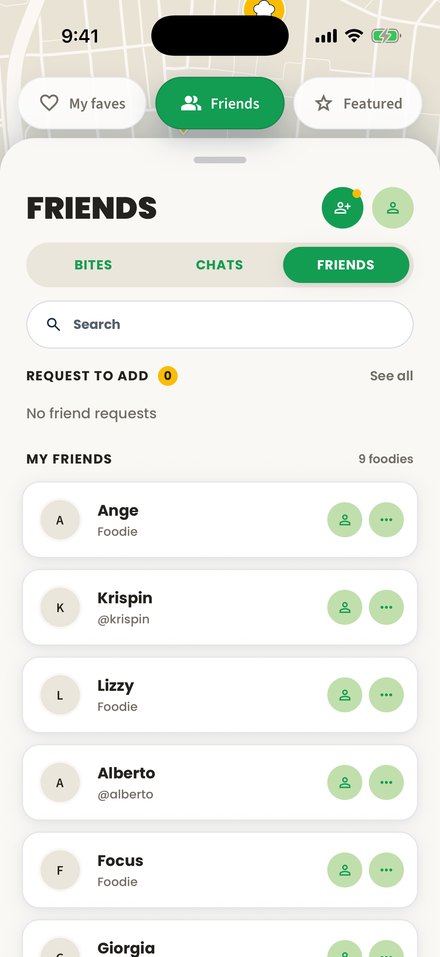
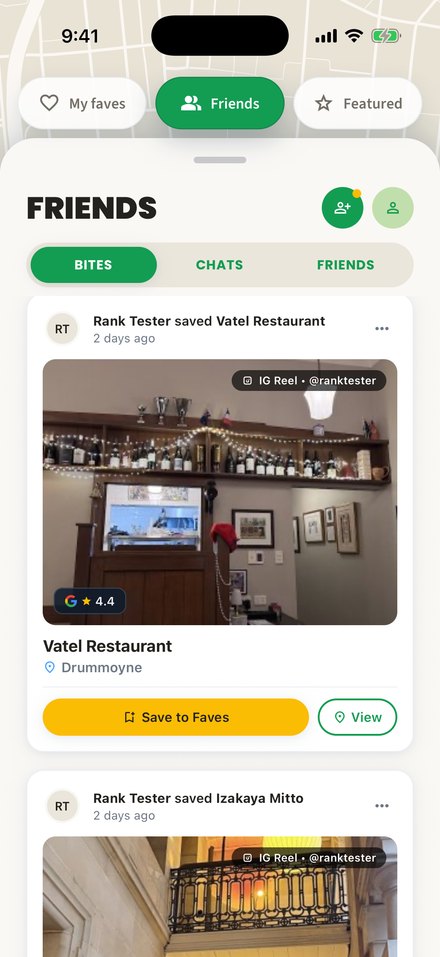
From a post to your next meal.
Save a restaurant from your feed, find it on your map and share it with friends.
01 / Save
See a spot. Save it.
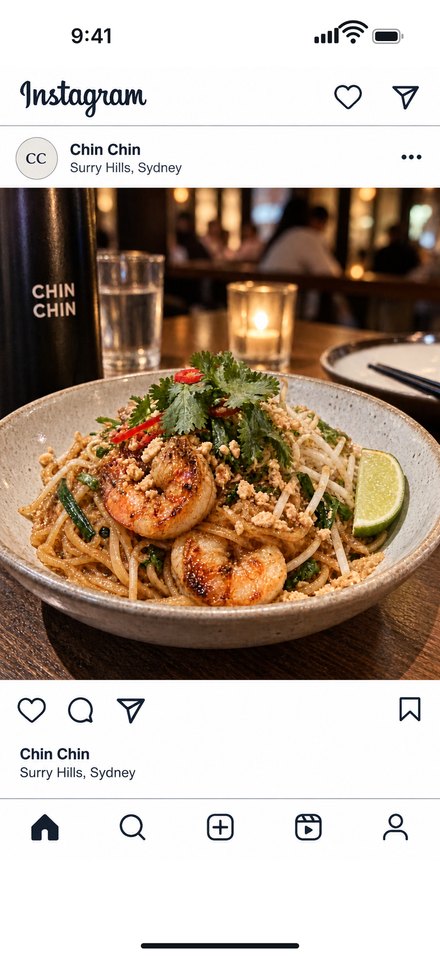
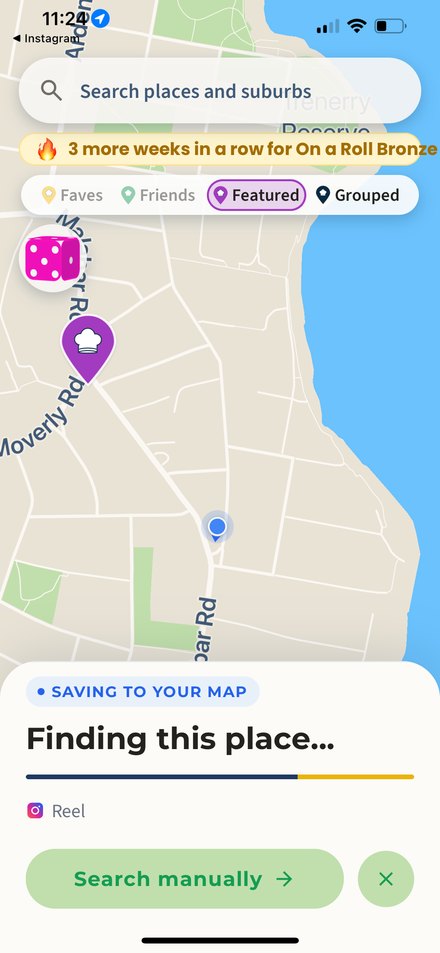
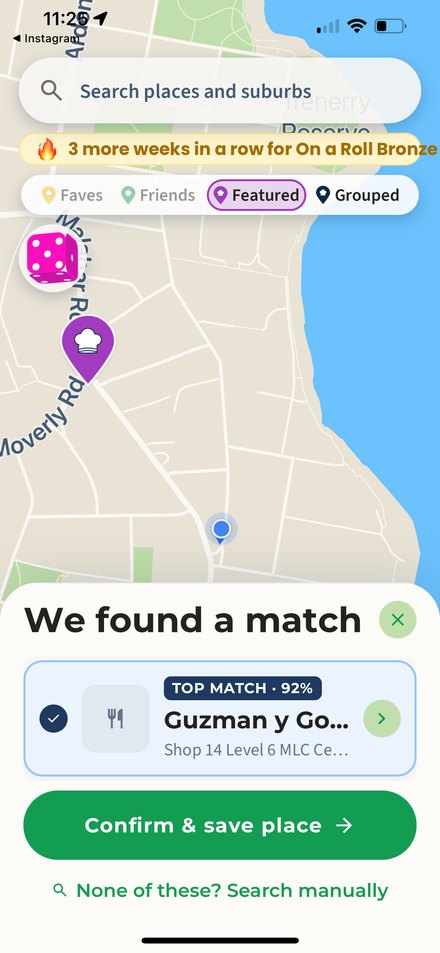
Open a restaurant post on Instagram or TikTok. Tap Share, then choose MyFoodMap. The app finds the place and asks you to confirm.
02 / Discover
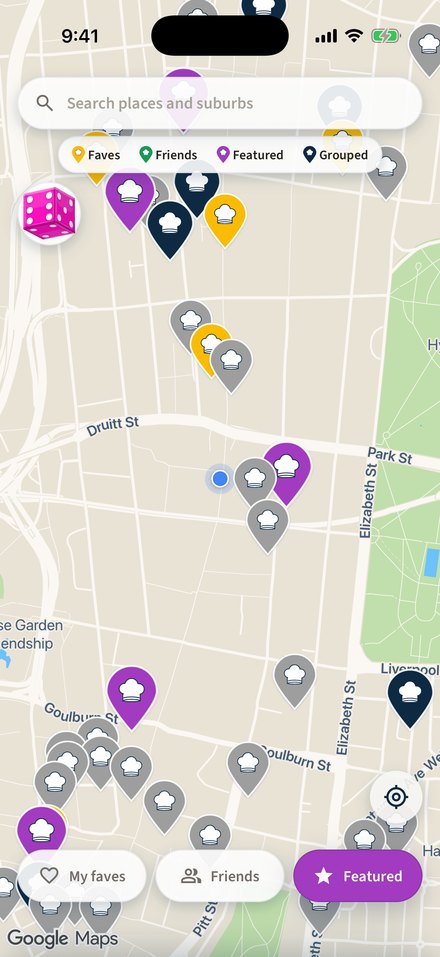
Find it on your map.
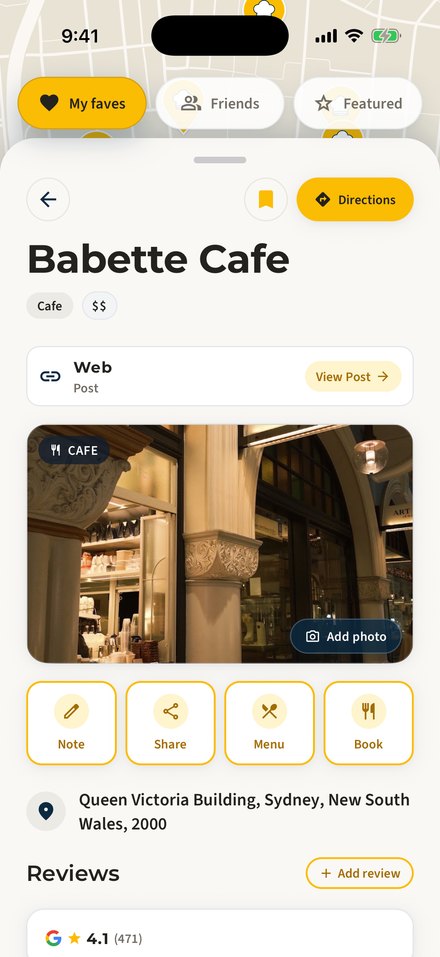
Open MyFoodMap to see your saved restaurants. Choose a place to view its details.
03 / Share
Send it to a friend.
Follow friends to see what they save in your Bites feed, and share a restaurant straight into chat.